Contents:
- Registration
- Project- and device management
- Image upload
Projects in LAUP can be created as hierarchical lists. ARNIs can be added to each project, and multiple runs with images, log files, and environmental measurements can be uploaded under the name of the ARNI.
New project
As project administrator, you can create new projects:
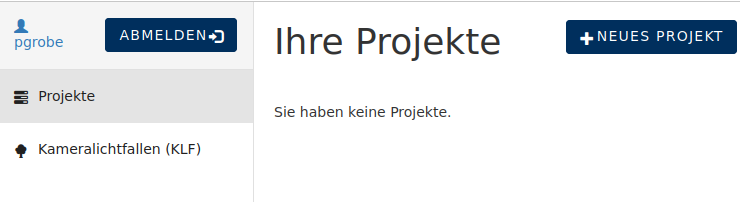
In ‘Projects’ choose “New Project”, and fill out the following form:
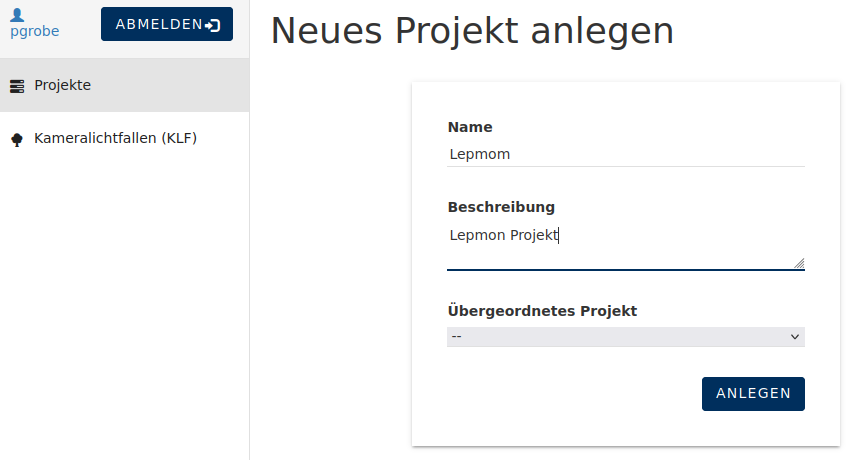
Since projects can be set up hierarchically, you have the option of selecting the parent project here. If this is not selected, the new project becomes the top-level project. An example of a hierarchy is:
Lepmon
    Location Jena
    Location Regensburg
    Location Leipzig
       Projekt 1
       Projekt 2
...
Editing projects
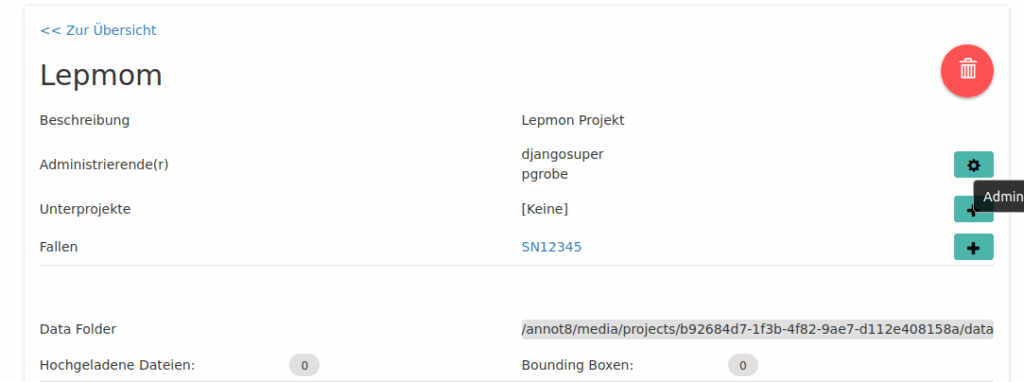
A project can be edited immediately after creation or later via the Projects menu item.
Additional project administrators can be added and ARNIs (KLF) can be added to the project. To do either of these, click on the “plus” sign and create subprojects or add additional administrators. Please note: the creator is already automatically an administrator, so does not need to be added.
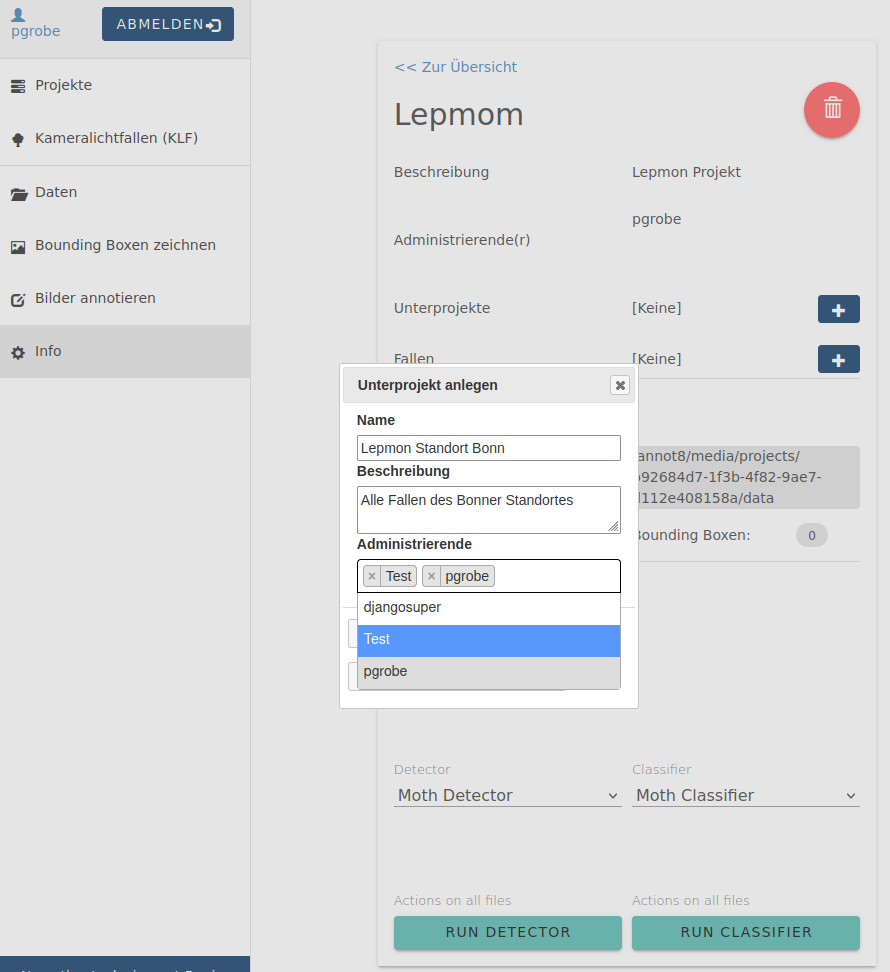
Administrators can be added or deleted at any time. Administrators may add additional individuals, add ARNIs, and upload images.
Creating and editing ARNIs
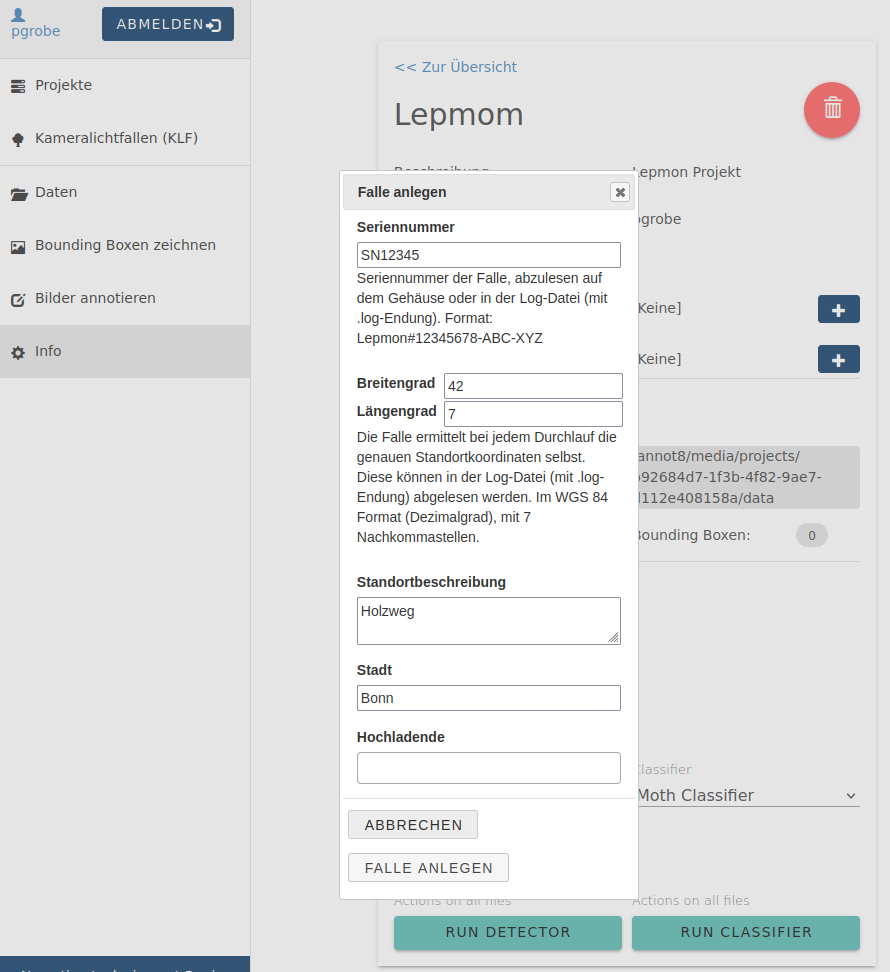
A new trap can be added from a project by clicking on the “plus” sign on the project page. Fill in the following form with the required information. The most important piece of information is the serial number.
The serial number of the trap is located on the yellow field of the trap’s UV lamp. Example: SN010006
The serial number can also be found in the log file that is created on the memory stick.
17:29:25; Logfile erstellt:
/media/Ento/A444-13FD/Lepmon#SN010006_Th_J_2025-05-01_T_1729/Lepmon#SN010006_Th_J_2025-05-01_T_1729.log
The location coordinates (longitude and latitude) are usually already entered when the ARNI is added. They can be found in the log file of the image upload (the file with the .log extension on the memory stick). An entry with decimal coordinates is required, e.g., latitude: 50.74334332, longitude: 11.3423434
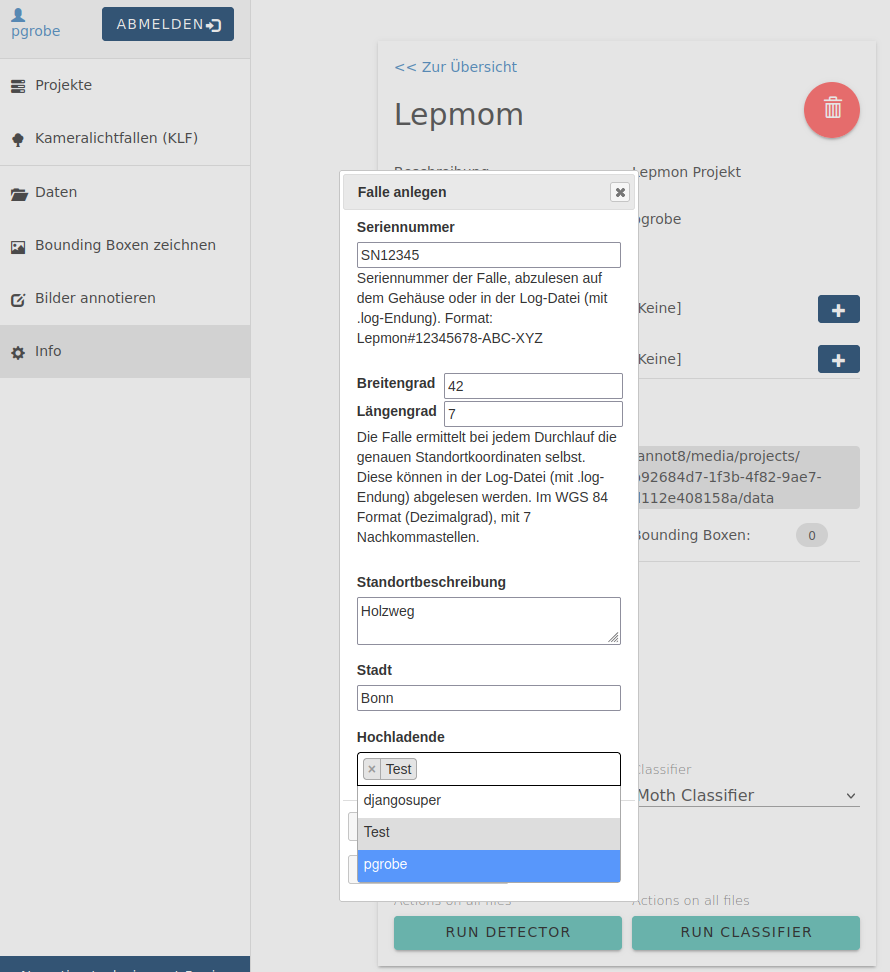
In addition to the project administrators, additional uploaders can be selected for images. To do this, the individuals must be registered in the LAUP portal. Individuals who monitor the trap at the location and will also upload the images are selected here.
Example of the structure of projects with traps:
Lepmon
    Location Jena
    Location Regensburg
       SN12345
       SN12346
    Location Leipzig
       Project 1
         SN699352
       Project 2
...

ARNIs have been added in the projects “Location Regensburg” and “Project 1.”
Nachdem eine Falle angelegt worden ist, können Bilder hochgeladen werden.