Direct link to individual objects of the data catalog: LAUP – Individual objects
Contents
- Search parameters
- Results list
- Detailed view
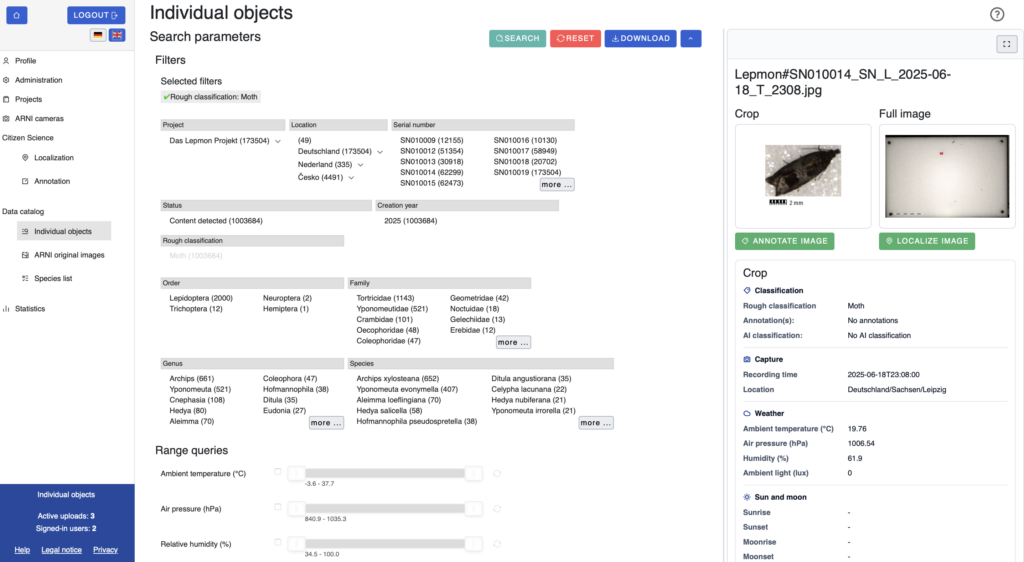
The data catalog provides access to all individual objects that have been uploaded, localized and annotated to date. Filters and range queries can be used to narrow down the data, for example by taxon or environmental conditions. The data found can then be downloaded directly.
Search parameters
The search parameters can be expanded or collapsed with the arrow icon in the top right corner. The filters are divided into several categories: project, location and serial number, status, year of creation, rough classification, as well as order, family, genus and species. Within a category, multiple values can be selected simultaneously. The “Search” button starts the search and the “Reset” button clears all filters. Data found can be downloaded via “Download”.
In addition, sliders are available under “Range queries”, which can be used to narrow down the results by ambient temperature, air pressure, ambient light and other factors.
Results list
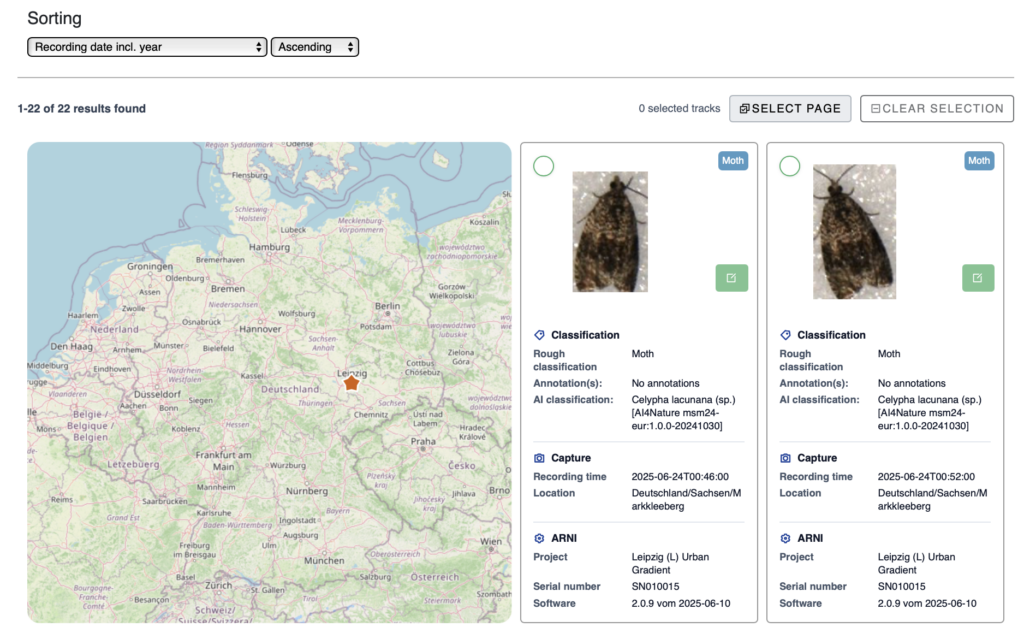
Below the search parameters, the individual objects found are displayed in a gallery. They can be sorted by date or time of capture. For each object, the rough classification, any annotations and the AI classification are displayed, supplemented by details regarding the capture and ARNI.
In the top-left corner of the gallery view, a map shows the location of the selected item. If there are multiple results, all associated locations are shown together on the map.
Detail view
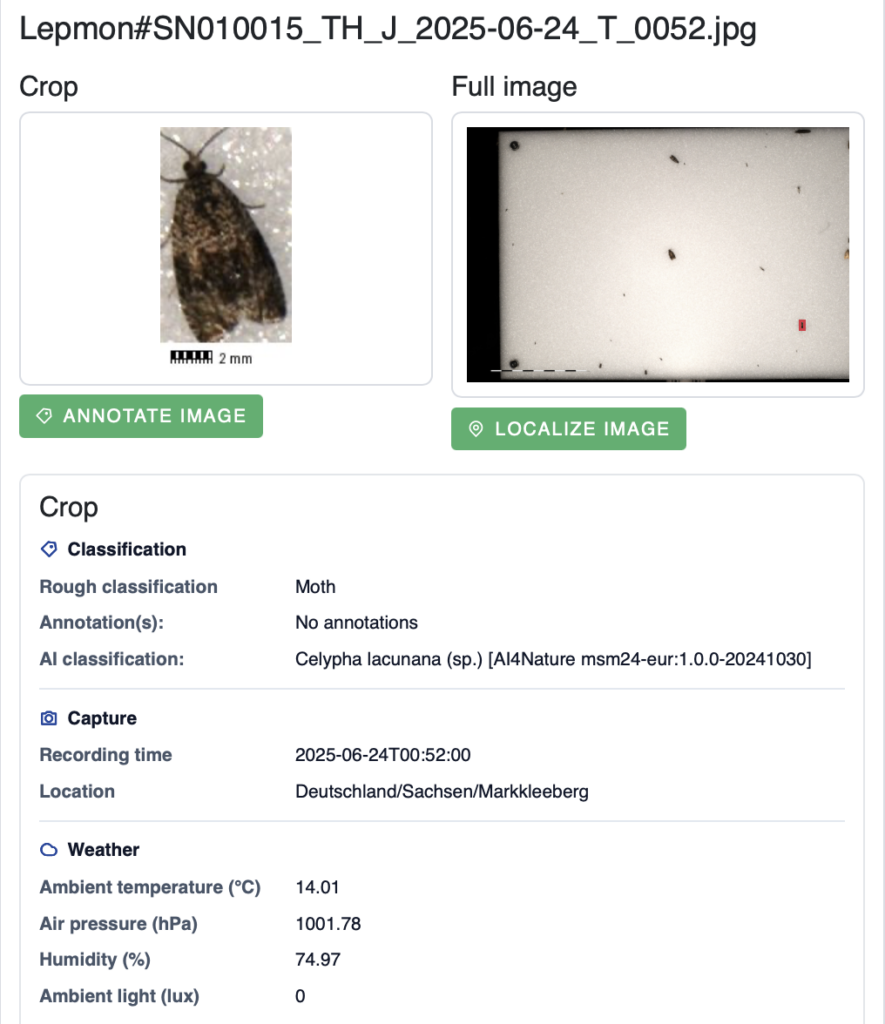
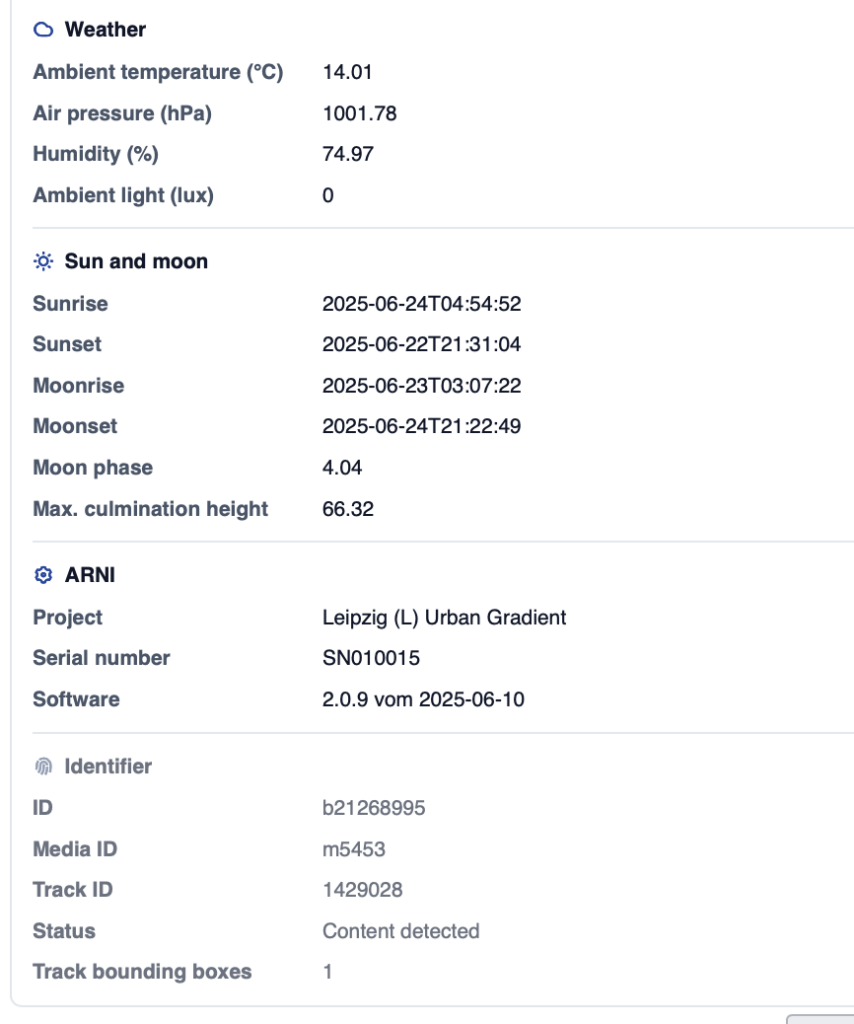
Clicking on an object opens the detail view on the right. It shows a cropped section and a full-screen view. From here, you can jump directly to the localization or annotation of the respective image. In addition to the classification and capture data, the weather conditions, as well as the position of the sound and moon, are also displayed here.