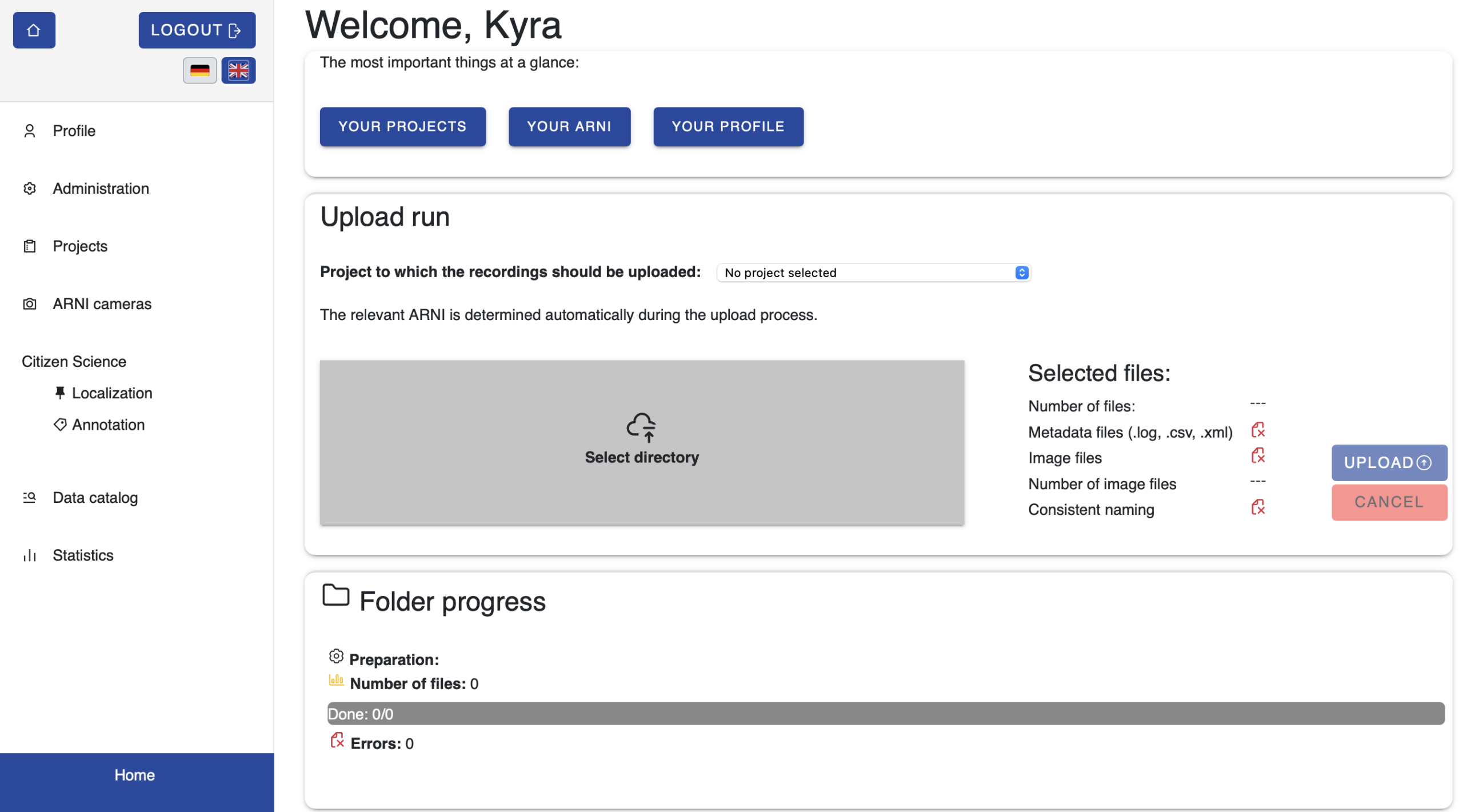
Direkt zum Login für Datenupload: https://lepmon.de/annot8/login
Contents:
- Registration
- Project- and ARNI management
- Image upload
The annotation tool can be accessed via the link https://lepmon.de/annot8. The tool requires a separate login, which can be obtained through a simple registration process.
The Lepmon annotation tool allows users to manage monitoring projects involving ARNIs and upload images from the monitoring process. Other features include AI-based localisation and classification of objects in the images, as well as the option for users to manually annotate the images and confirm or correct the localisations.
Registration
Login page for data upload: https://lepmon.de/annot8/login
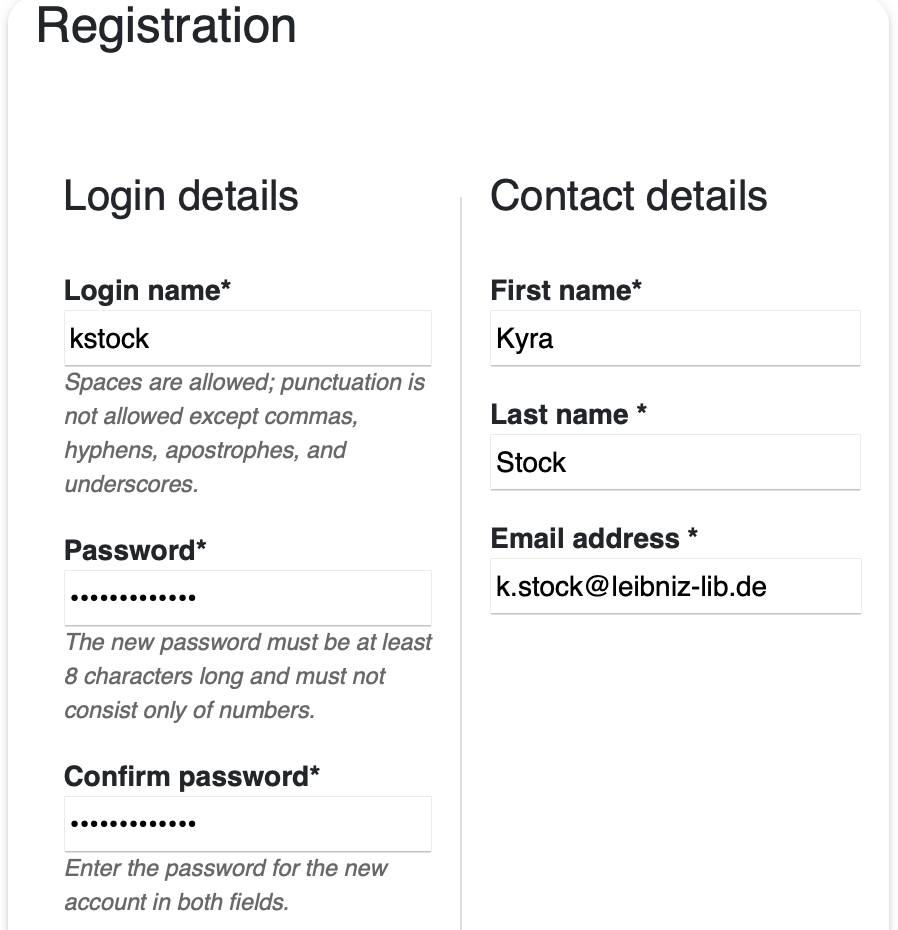
You will receive an email containing a link, which you will need to click to confirm. This will validate your email address and register you as a user. Once you have registered, a simple dashboard will appear. From there you can access three sections directly:
- Your projects: Here you can access the project overview and manage your own projects or create new ones
- Your ARNI: All ARNIs are listed here
- Your profile: Here you can change your password and view your statistics
If a project and at least one ARNI have already been created, you can start uploading images directly via the dashboard.